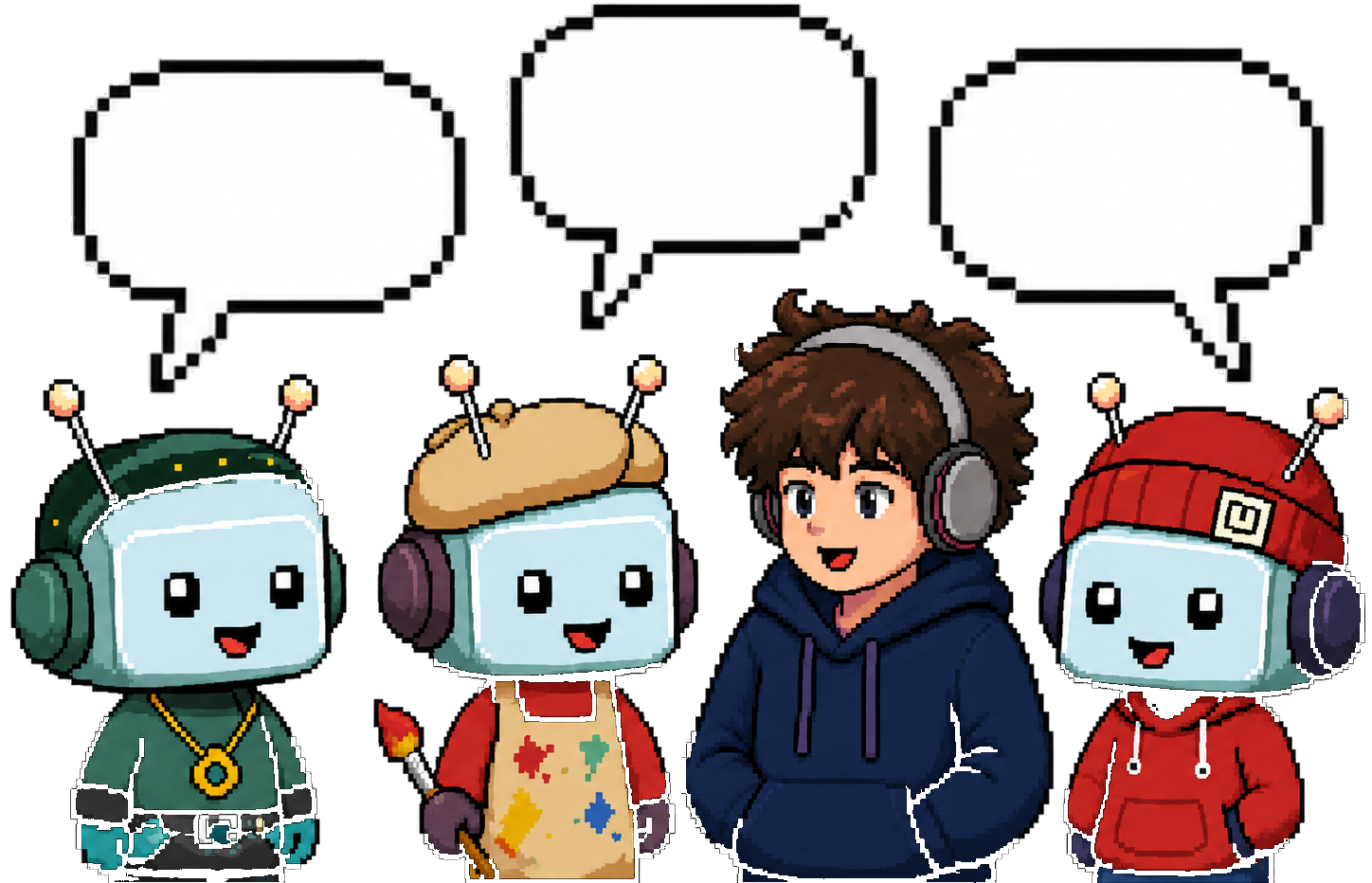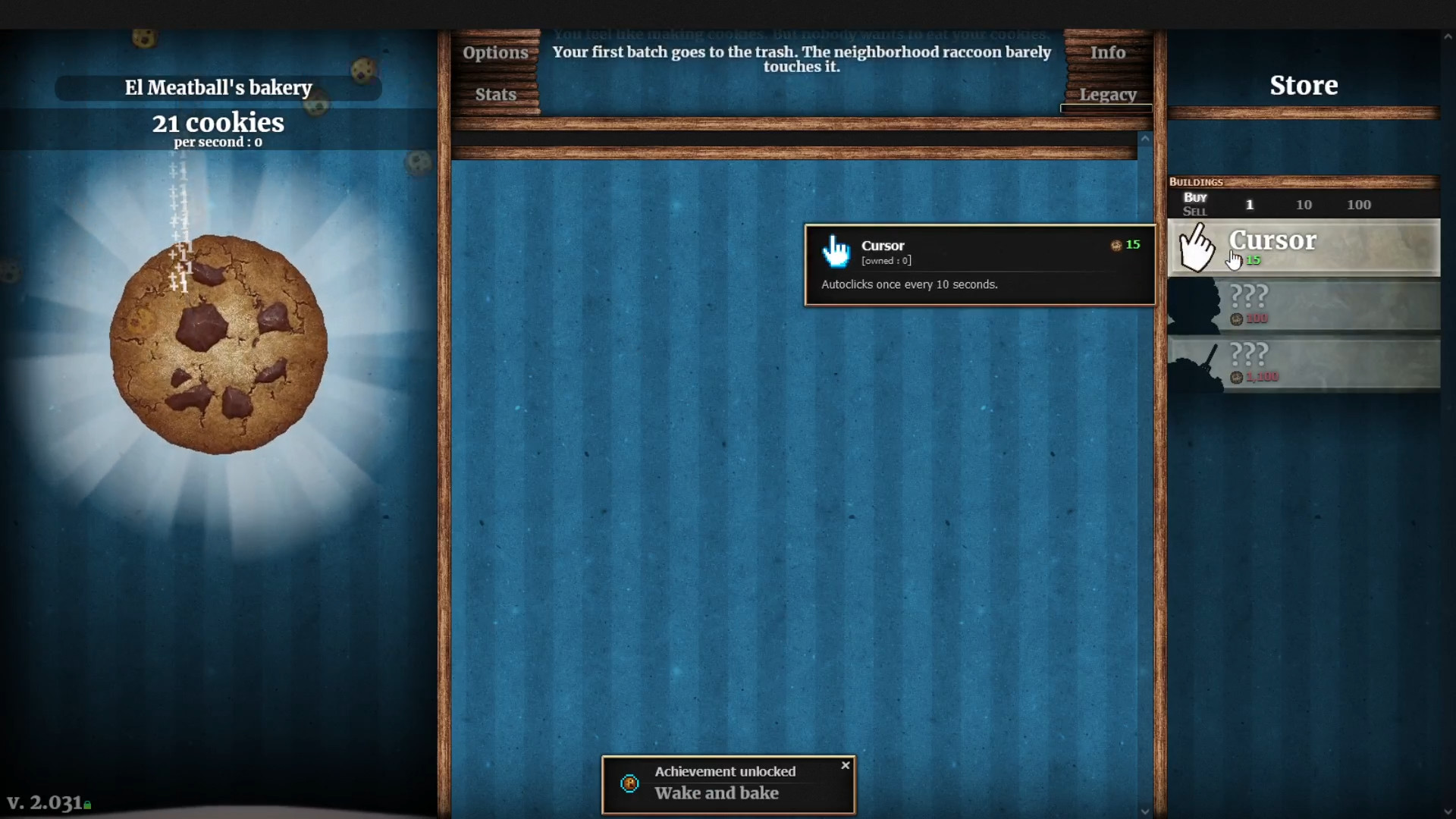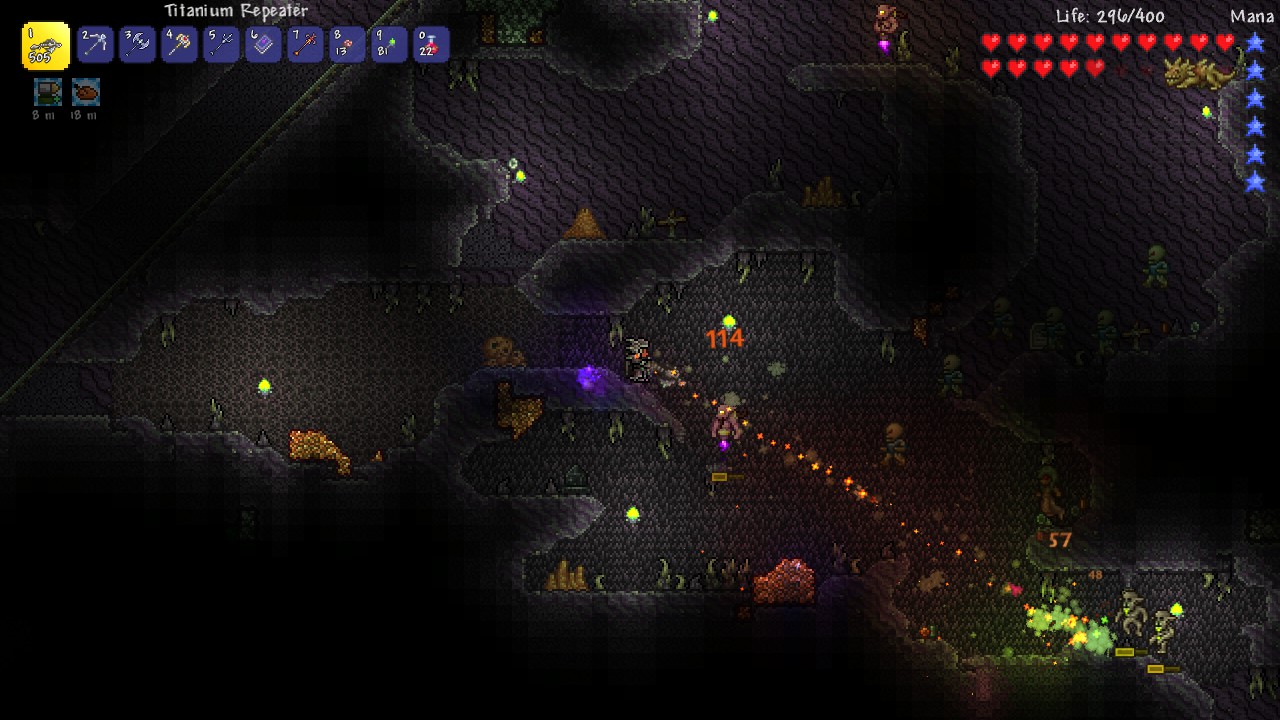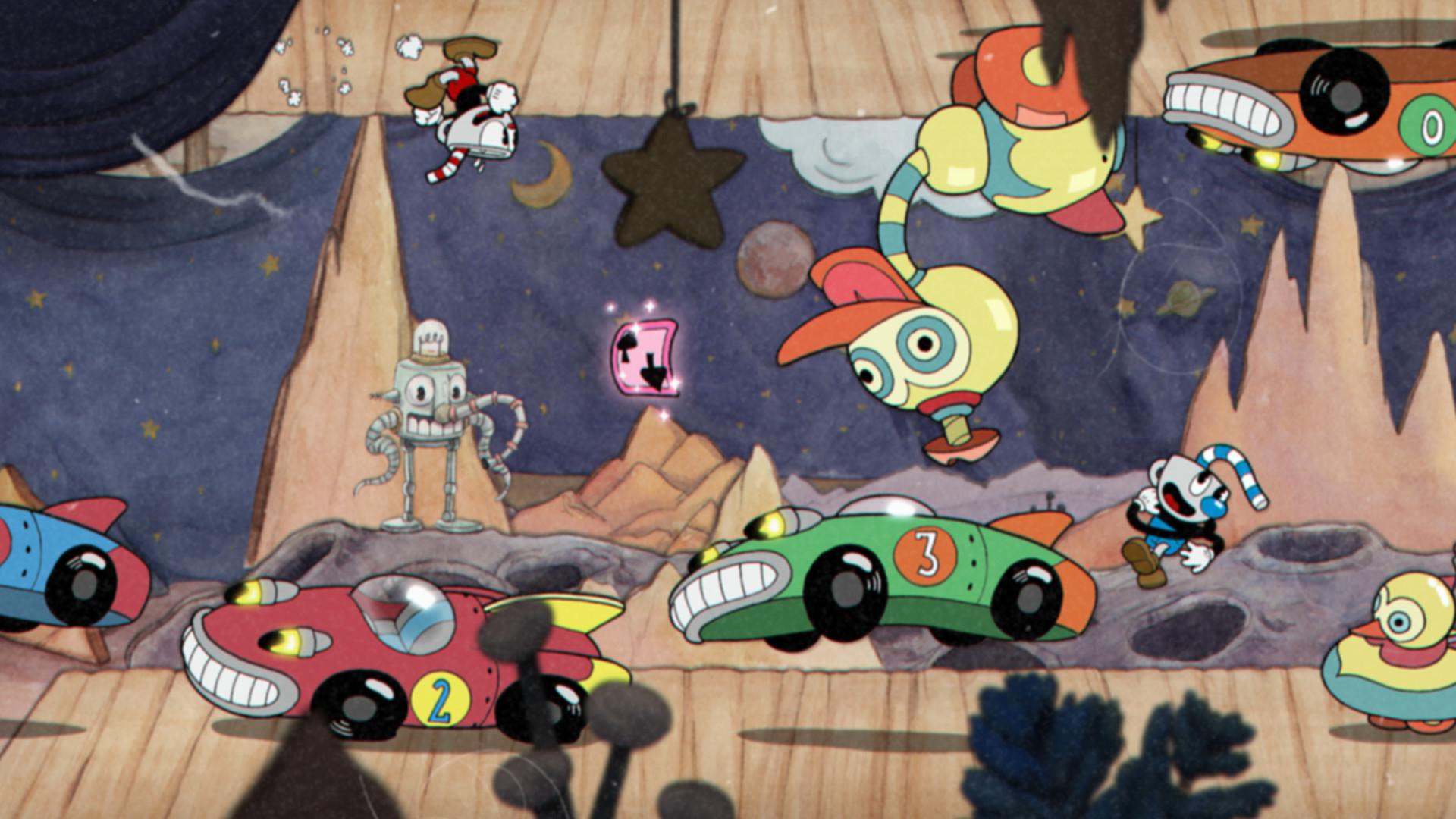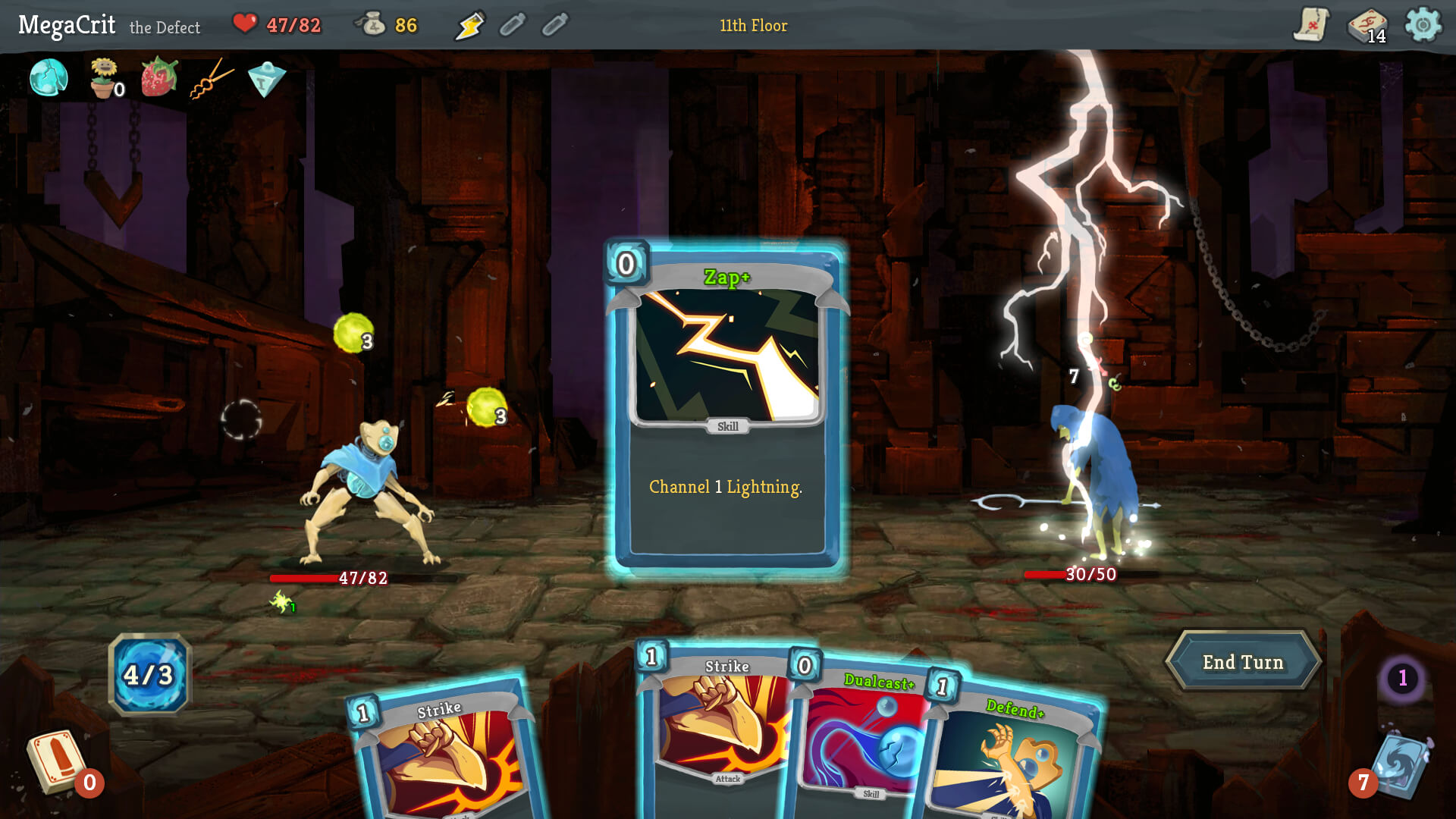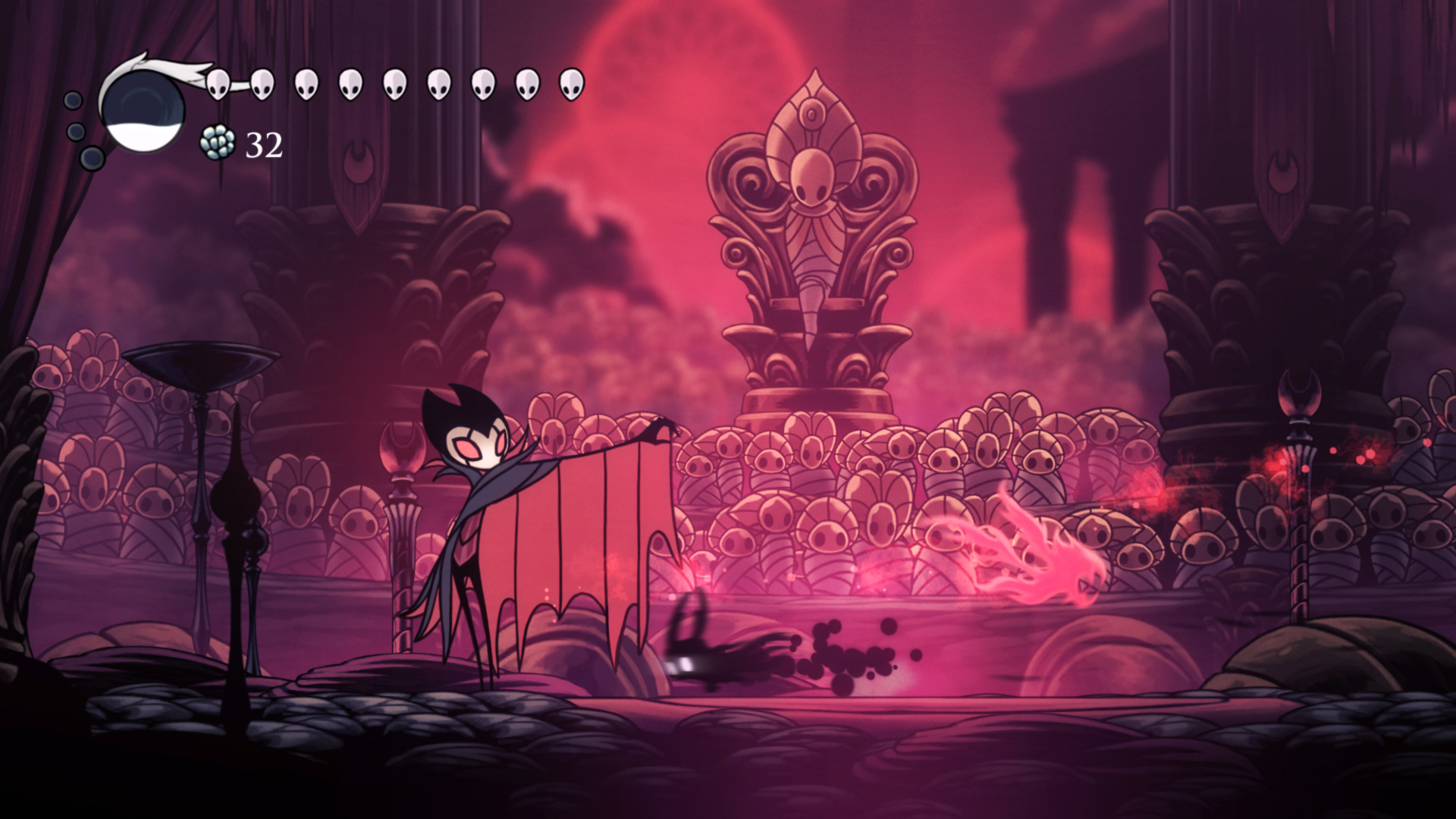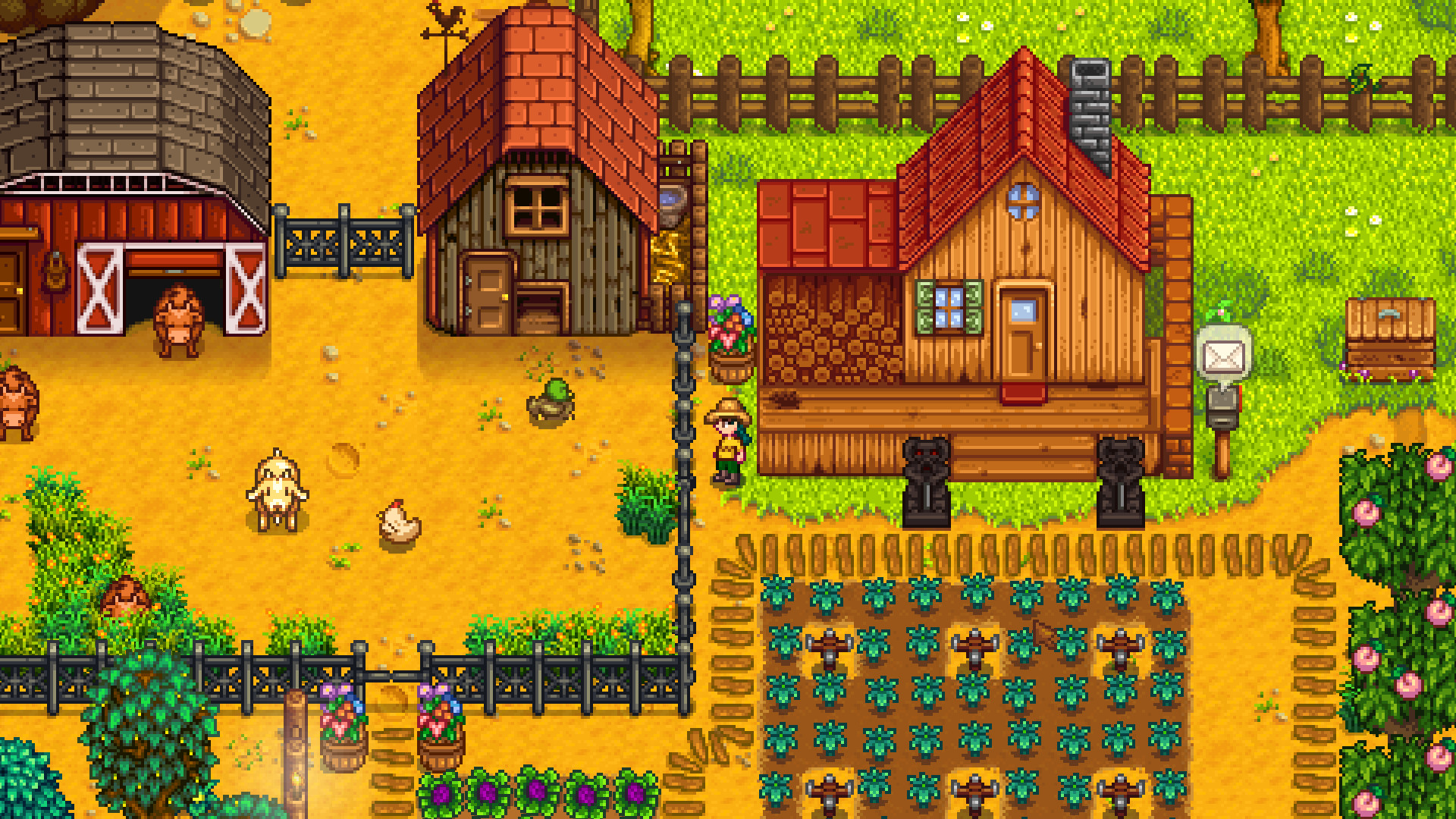
Concept-screenshot first
Most AI art tools generate sprites one at a time and hope they match. The Artist draws the whole scene first, then every sprite is generated against that locked visual reference. The art reads as one game, not a collage.
/icon_text_light_svg.svg)
Last updated June 12, 2026
Chatforce’s Artist agent generates consistent 2D game art. Sprites, tile sets, backgrounds, icons, and character animations, all from a plain-language brief. The Artist draws a concept screenshot of your scene first, then every asset that follows matches its style. Transparent backgrounds, per-character consistency, and sprite-sheet export are built in, so the whole game looks like one cohesive world. Your art wires straight into a browser-playable game.
Heroes, NPCs, enemies, bosses. Transparent background, per-character consistency group, multiple poses on request.
Ground, walls, decoration, variants. Sized to your grid. Designed to tile seamlessly.
Parallax-ready scenes, 2D skyboxes, level backdrops — generated against the same visual style as the concept screenshot.
Inventory items, HUD elements, ability icons, buttons. Pixel-perfect at typical UI sizes.
Idle, walk, run, jump, attack. Smooth motion, frame-extracted into a sprite sheet PNG so characters come alive in your game.
The Artist’s first deliverable: a full-scene mockup that locks the art direction before any individual sprite is generated.
Tell the Studio Director what you want to build. Genre, vibe, characters, world. The Director writes a brief and hands it to the Artist agent.
The Artist drafts a single concept screenshot of the whole scene. This becomes the visual north star: every sprite, tile, and background that follows matches its style and palette.
Ask for changes in plain language. “Make the hero bigger.” “Try a darker palette.” “Add a cracked-stone tile variant.” Per-character consistency groups keep your hero looking like your hero across every frame.
Generated assets land directly in your game scene with transparent backgrounds and the right pixel dimensions. The Coder picks them up automatically — no manual import, no bundler, no file renaming.
Most AI art tools generate sprites one at a time and hope they match. The Artist draws the whole scene first, then every sprite is generated against that locked visual reference. The art reads as one game, not a collage.
Each character gets a reference image persisted to storage. Every new pose, animation frame, or scene variant is conditioned on the group reference. The hero you saw in the first frame is the same hero in the boss fight.
Every sprite comes out with the background already removed. You get clean alpha-channel PNGs, ready to drop into a 2D scene without manual masking.
Character animations turn a still sprite into smooth motion, then frames are extracted into a sprite sheet PNG. Idle, walk, attack, all from a one-line description.
Upload a reference sketch or screenshot. The Artist matches the style. Bring your own art direction into the game without learning a drawing tool.
The Artist doesn’t work alone. Sprites are wired into scenes by the Coder, brought to life with animation, and accompanied by music and SFX from the Sound Engineer, all with shared context. The art always fits the game.
| Feature | Chatforce | Scenario | Layer AI | Ludo.ai | Midjourney |
|---|---|---|---|---|---|
| Transparent-background sprites | Automatic (clean alpha PNG) | Manual or add-on | Yes | Yes | Manual post-processing |
| Per-character consistency | Yes — persistent groups | Custom-trained models | Style locking | Limited | --cref — fragile |
| Tile sets / level art | Yes | Yes | Yes | Yes | No |
| Character animation → sprite sheet | Yes — smooth motion + frame extraction | Limited | Animated sprites | No | No |
| Concept-screenshot first | Yes — locks art direction | No | No | No | No |
| Wired into a playable game | Yes — assets land in scene | Download & import elsewhere | Download & import elsewhere | Ideation, not assets-to-game | General-purpose |
| 3D assets | No — strictly 2D | 2D + some 3D | 2D only | 2D only | 2D only |
| Built-in music & sound | Yes — Sound Engineer agent | No | No | Music ideas only | No |
| Starting price | Free + bonus credits, $20/mo | Free trial, from $19/mo | Free trial, from $20/mo | Free trial, from $15/mo | From $10/mo |
| Best for | Shipping a 2D browser game with consistent art | Studios with their own engine | Sprite-heavy workflows | Early-stage ideation | General AI art |
Describe a game in one sentence. Watch your AI team build it — sprites, music, code, and a playable result in your browser.
Build a Game for FreeChatforce generates polished, game-ready 2D art. Sprites, tile sets, backgrounds, icons, and concept screenshots all share one locked visual style, and character animations come out as smooth sprite sheets. Every sprite ships with a clean, transparent background, so the whole game looks like one cohesive world instead of a stitched-together asset pack.
Yes. Every sprite Chatforce generates comes out with the background already removed. You get a clean PNG with an alpha channel, ready to drop into a 2D game scene without manual masking.
The Artist agent maintains a per-character consistency group, a saved reference image for each character. Every new pose, animation frame, or scene variant is conditioned on that reference, so the hero looks like the same hero in every shot.
Yes. The character-animation pipeline turns a character into smooth motion, then extracts the frames into a sprite sheet PNG. Static sprite sheets (for example, 8-direction idle poses) are also supported through the standard image generation flow.
Any style describable in language: pixel art, hand-painted, low-poly-looking 2D, vector flat, anime, retro 16-bit, modern flat, and more. You can also upload a reference sketch or screenshot and have the Artist match the style, what we call sketch-to-asset.
Yes — every new account gets bonus credits, enough to ship at least one fully playable game including art. The paid plan is $20/month for ongoing usage.
Scenario, Layer AI, and Ludo.ai are asset-generation tools: you generate sprites and download them. Chatforce is an end-to-end AI game studio — the same Artist agent that generates assets is part of a team that also writes the code, makes the music, and produces sound effects, all wired into a browser-playable game. If you want loose assets to import elsewhere, the dedicated tools are great. If you want a game that ships, Chatforce produces all the pieces together with shared visual direction.
Yes — the license for generated assets is held by the user on paid plans. See the Chatpedia license page for the full terms.
Describe a game in one sentence. Watch the Artist draft a concept screenshot, then every sprite that follows.
Build a Game for Free