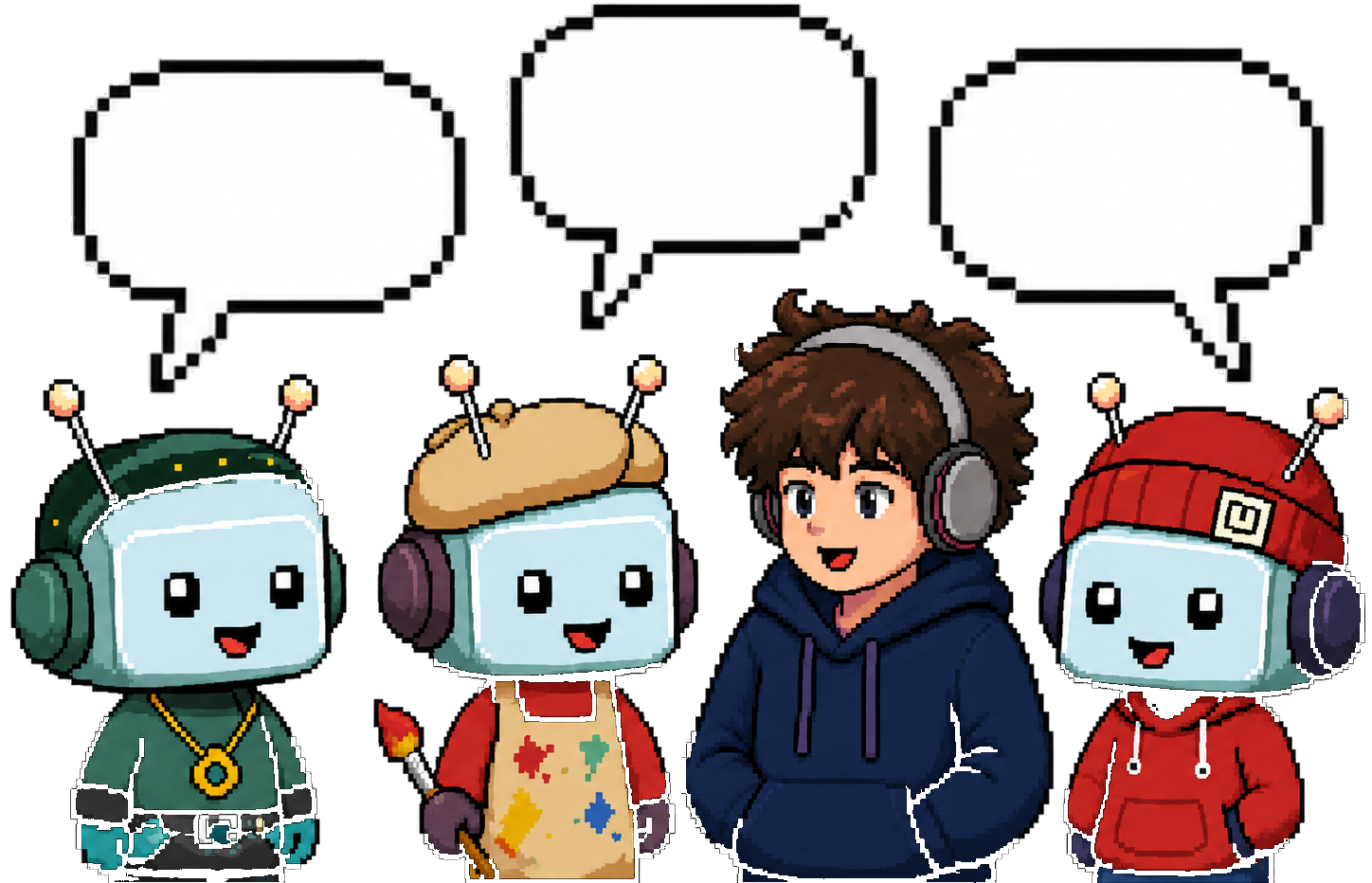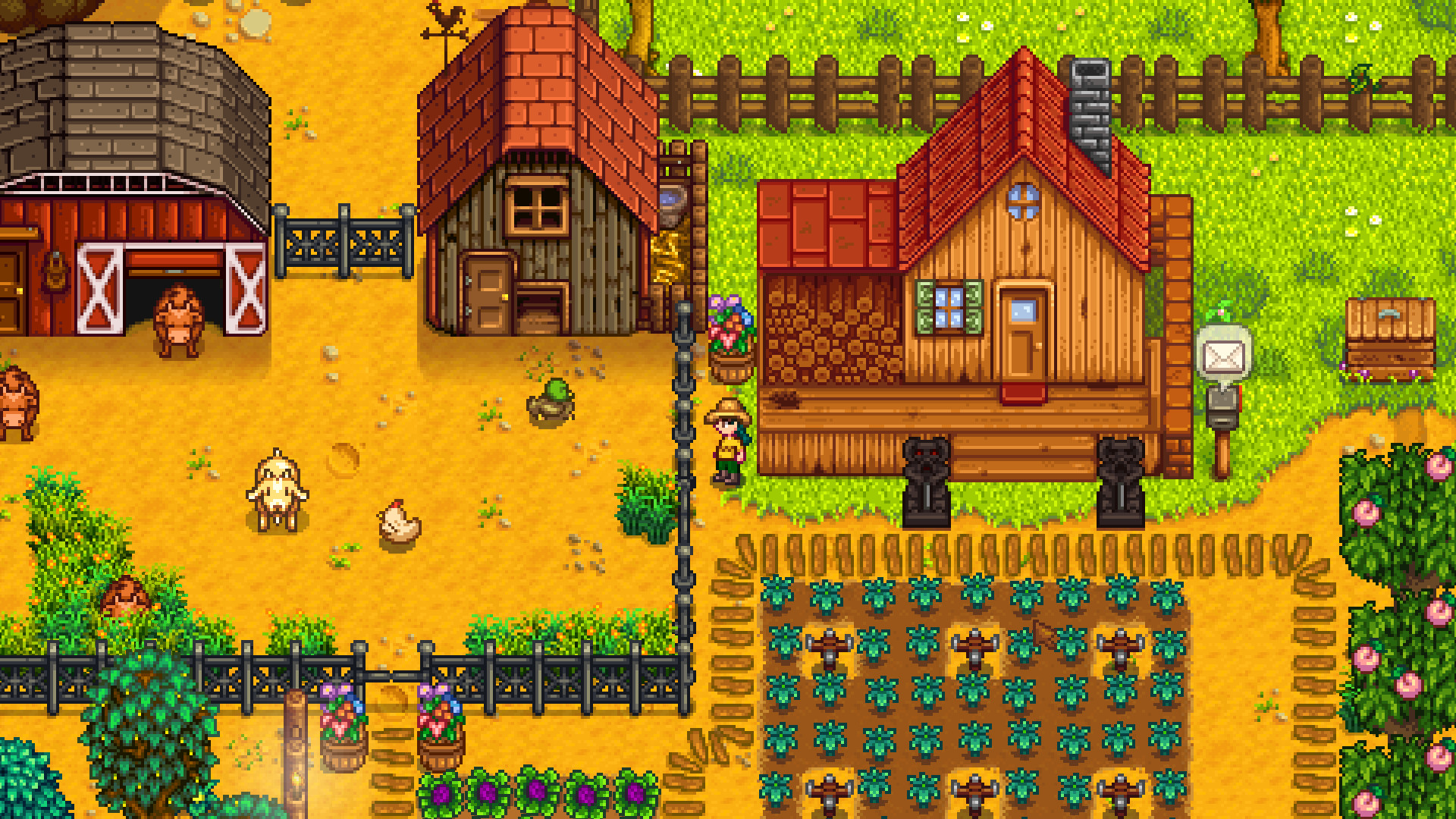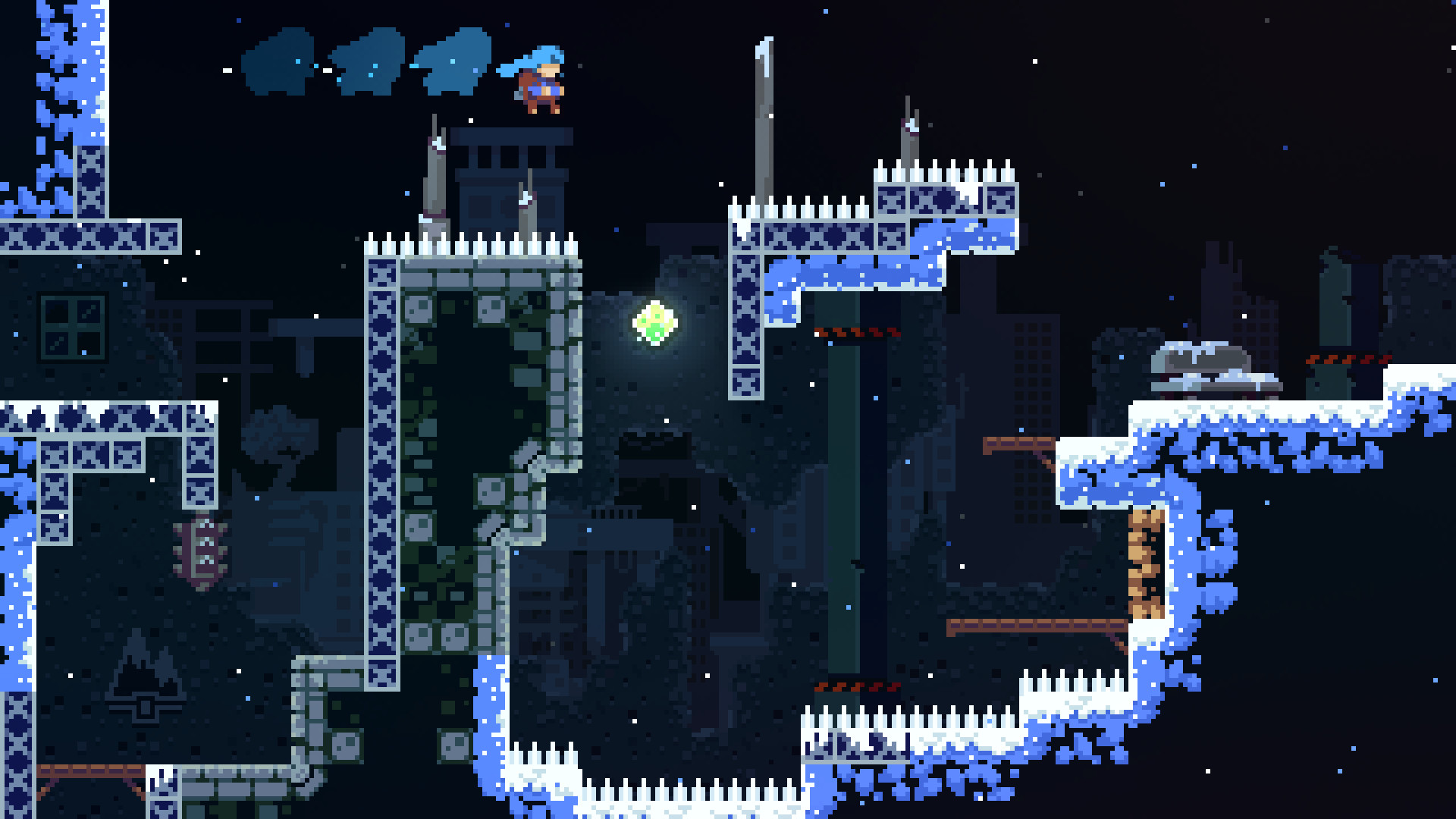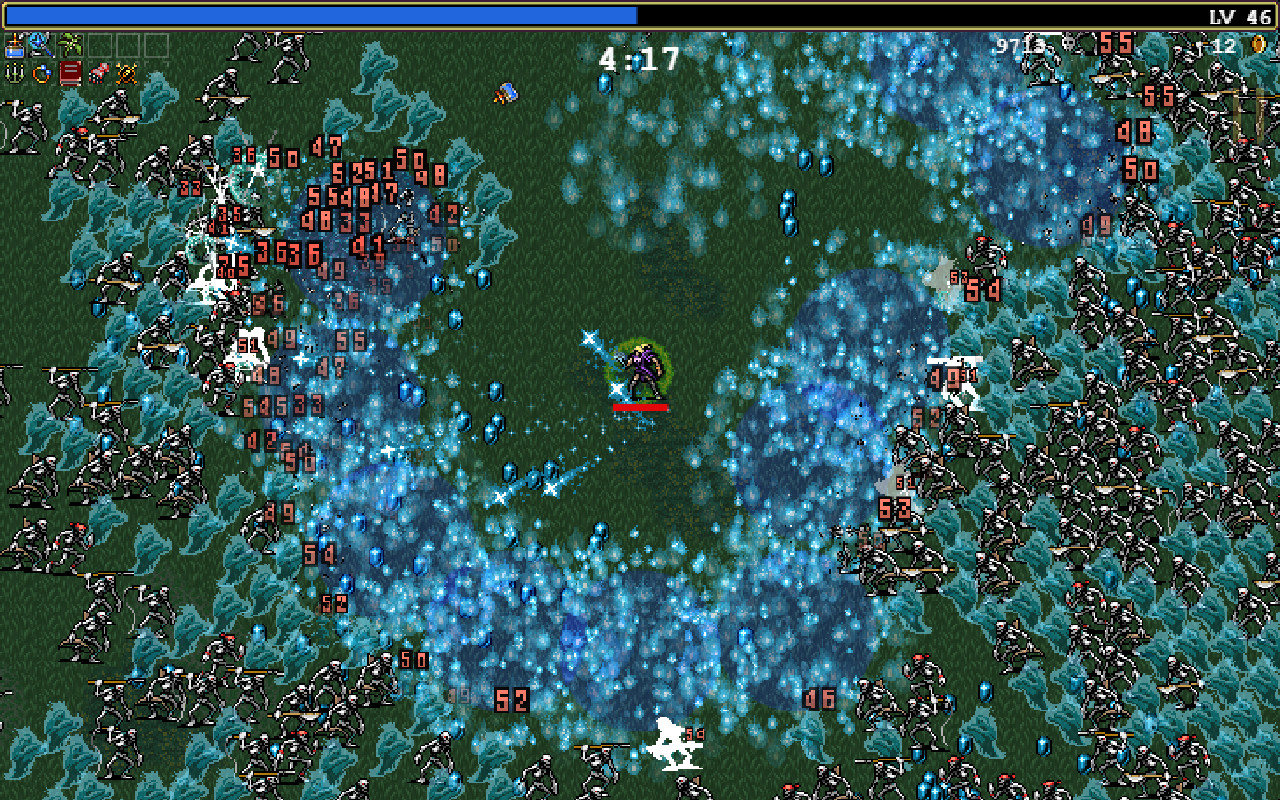
Pixel art for games, not for posters
The whole stack is tuned for game assets — tilemap alignment, transparent backgrounds, palette consistency — not for one-off pixel posters.
/icon_text_light_svg.svg)
Last updated June 12, 2026
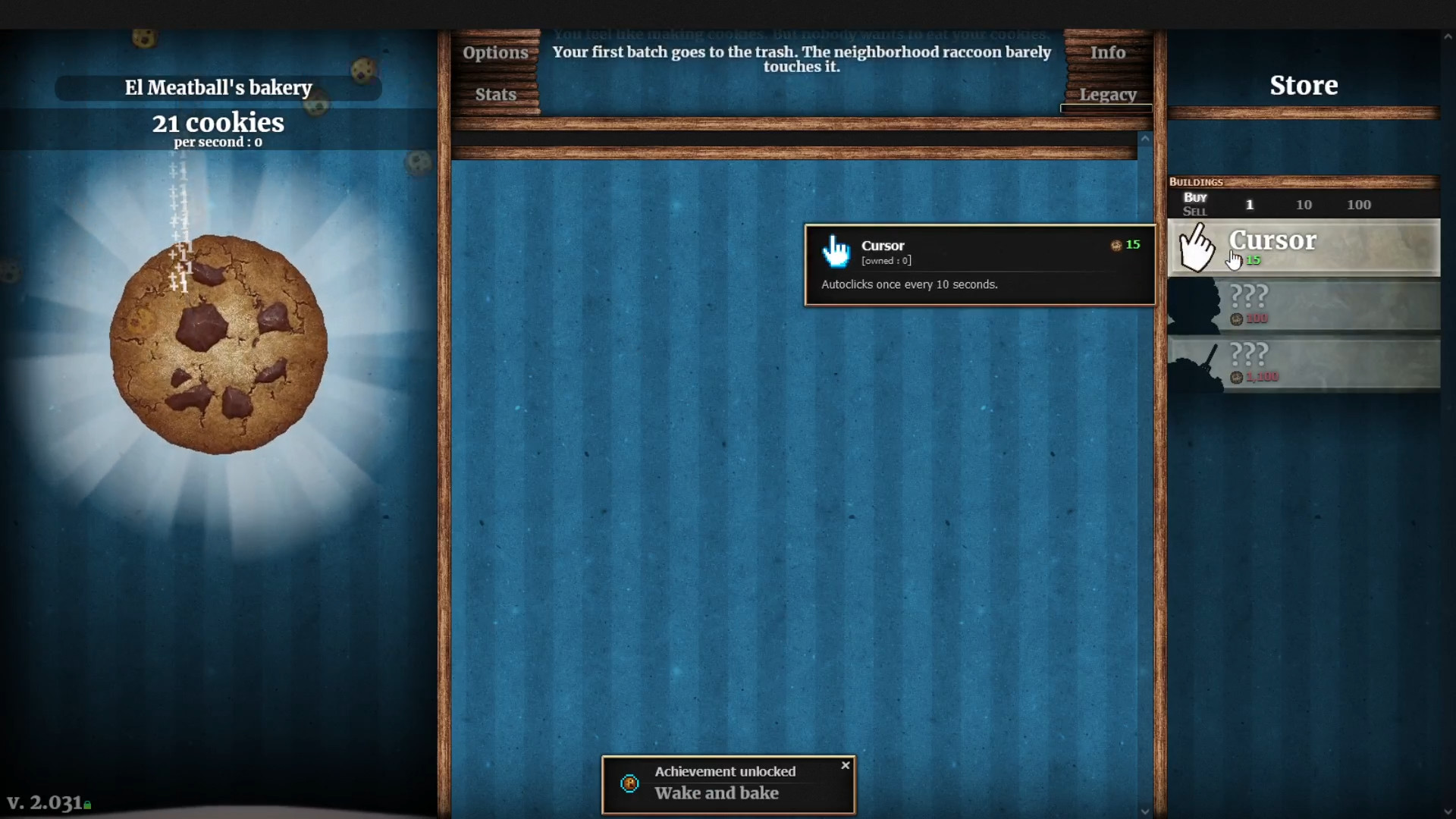
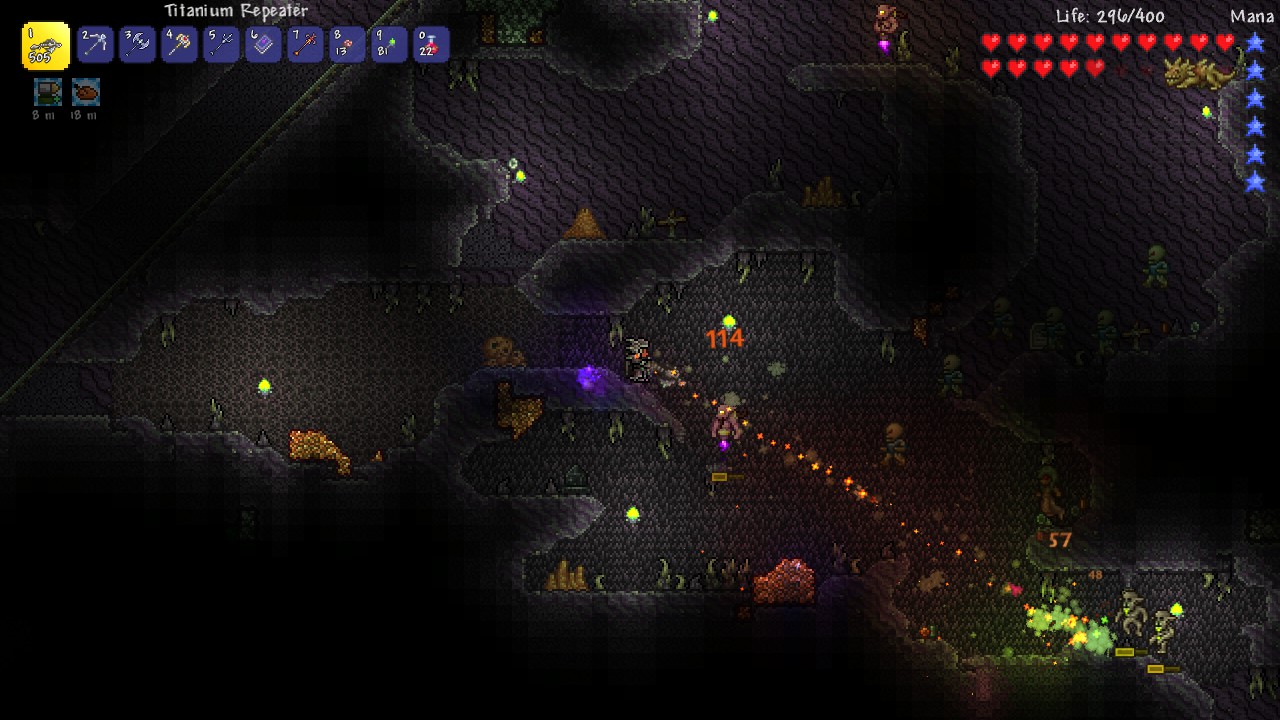
Chatforce’s Artist agent generates pixel-art game assets — character sprites, tile sets, backgrounds, UI icons — from a plain-language brief. The Artist draws a pixel-art concept screenshot first, locking palette and pixel density. Every asset that follows matches it. Per-character consistency groups keep the hero on-model. Transparent backgrounds, ready to drop into a browser-playable game.
Heroes, NPCs, enemies, bosses. Pixel-density locked, transparent background, per-character consistency group, multi-pose on request.
Ground, walls, decoration, variants. Sized to your grid. Generated as a coherent set against the palette — not one tile at a time.
Parallax-ready scenes, 2D skyboxes, level backdrops — against the same palette and density as the concept screenshot.
Inventory items, HUD elements, ability icons, dialog portraits. Pixel-perfect at typical HUD sizes.
Pick a palette in words — “GB-Color,” “NES,” “muted earth.” The concept screenshot locks it; everything that follows respects it.
The Artist’s first deliverable: a full pixel-art scene mockup that locks density and palette before any individual sprite is generated.
Tell the Studio Director the game and the visual target — “16-bit fantasy RPG, muted earth palette, side-scroller.” She briefs the Artist.
The Artist drafts a single pixel-art concept screenshot of the scene. This becomes the locked north star — every sprite, tile, and background that follows matches its palette and pixel density.
Per-character consistency groups keep the hero looking like the hero across every pose. Tiles align to your grid. UI icons match the concept palette.
Sprites land transparent. Tiles place on the tilemap. Icons hit the HUD. The Coder picks everything up — no manual import, no atlas authoring.
The whole stack is tuned for game assets — tilemap alignment, transparent backgrounds, palette consistency — not for one-off pixel posters.
Most pixel-art tools generate sprites one at a time and hope the palette matches. The Artist locks palette and density on the first deliverable; everything inherits from there.
Pixel art is brutal on inconsistency — eyes drift, palette shifts, line-weight changes. The consistency group prevents drift across every pose.
Ground, wall, edge, decoration — generated together so the variants tile coherently. Not a one-tile-at-a-time scavenger hunt.
Every sprite comes back with a clean transparent background. No green-screen masking, no manual alpha cleanup, no “why is there a pink halo” debugging.
Pixel art is half the work; placing it in a tilemap and HUD is the other half. The Coder picks up the sheet, the tiles, and the icons. You play the result.
| Feature | Chatforce | PixelLab | Scenario | Generic pixel-art tools |
|---|---|---|---|---|
| Specifically for games | Yes | Yes | Yes | Mixed |
| Concept-screenshot first | Yes — locks palette | No | No | No |
| Per-character consistency | Yes — stored groups | Style lock | Custom-trained models | None / fragile |
| Transparent backgrounds | Automatic | Yes | Manual or add-on | Manual |
| Tile sets as a coherent set | Yes | Yes | Yes | One at a time |
| Animation → sprite sheet | Yes — real motion + frame extraction | Yes — pose interp | Limited | No |
| Wired into a playable game | Yes — lands in scene | Download & import | Download & import | Download & import |
| Built-in music & sound | Yes — Sound Engineer agent | No | No | No |
| Starting price | Free + bonus credits, $20/mo | Free, from $9/mo | Free trial, from $19/mo | Varies |
| Best for | Shipping a pixel-art browser game | Pixel sheets to download | Studios with their own engine | One-off pixel images |
Describe a game in one sentence. Watch your AI team build it — sprites, music, code, and a playable result in your browser.
Build a Game for FreeThe Artist agent locks pixel density, palette, and on-grid alignment, so every sprite, tile, and icon matches a single visual reference. Transparent backgrounds come standard, so each asset drops straight onto your tilemap or HUD. Nothing arrives as a one-off poster image; it all reads as one cohesive pixel-art world.
Yes. Describe the target — “16-bit,” “8-bit GB-Color palette,” “low-res chunky pixels” — and the Artist locks the density in the concept screenshot. Every following asset is generated at the same density and rounded to nearest-neighbor.
The Artist agent maintains a per-character consistency group — a reference image persisted to storage. Every new pose, scene variant, or animation frame is conditioned on the group reference. The same hero from every angle.
Yes. Ground, walls, decoration, variants — all generated to align to your grid, with seamless edges. The Artist generates the variants together so they tile coherently against the locked palette.
Yes — see Game Art Generator for the general styles page. This page is specifically the pixel-art lane because that intent has its own search volume and its own constraints (palette, density, tilemap alignment).
Yes — every new account gets bonus credits, enough to ship at least one fully playable game including art. The paid plan is $20/month.
PixelLab is a strong pixel-art-specialist tool; Scenario offers custom-trained models; generic pixel-art tools generate one sprite at a time without scene context. Chatforce gives you the concept-screenshot-first workflow (every asset matches a locked visual reference), per-character consistency groups (the hero stays the hero), automatic transparent backgrounds, and direct wiring into a browser-playable game with code, music, and SFX in the same studio.
Yes — the license for generated assets is held by the user on paid plans. See the Chatpedia license page for the full terms.
Describe a game in one sentence. Watch the Artist lock the palette, then every sprite, tile, and icon that follows.
Build a Game for Free