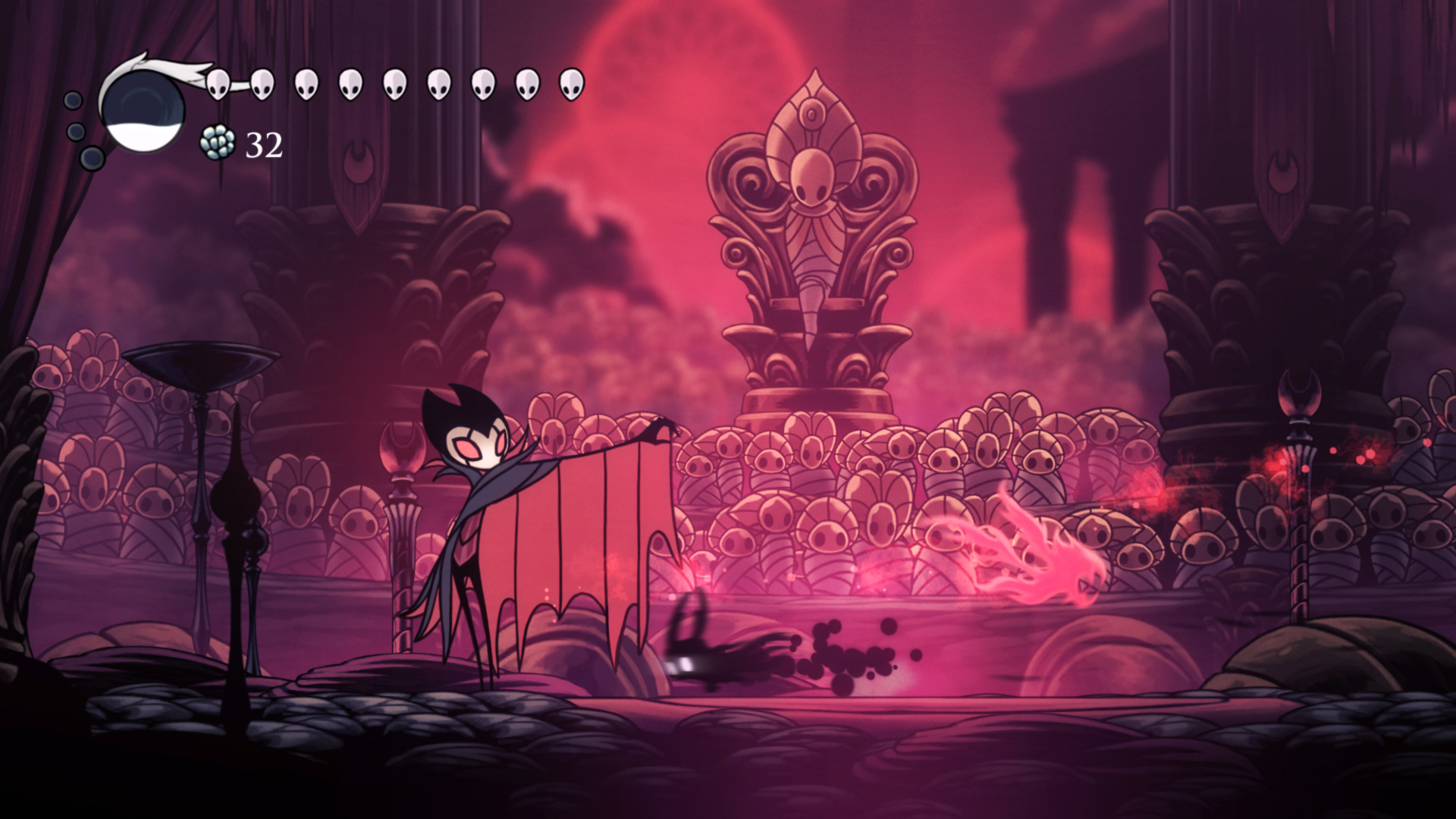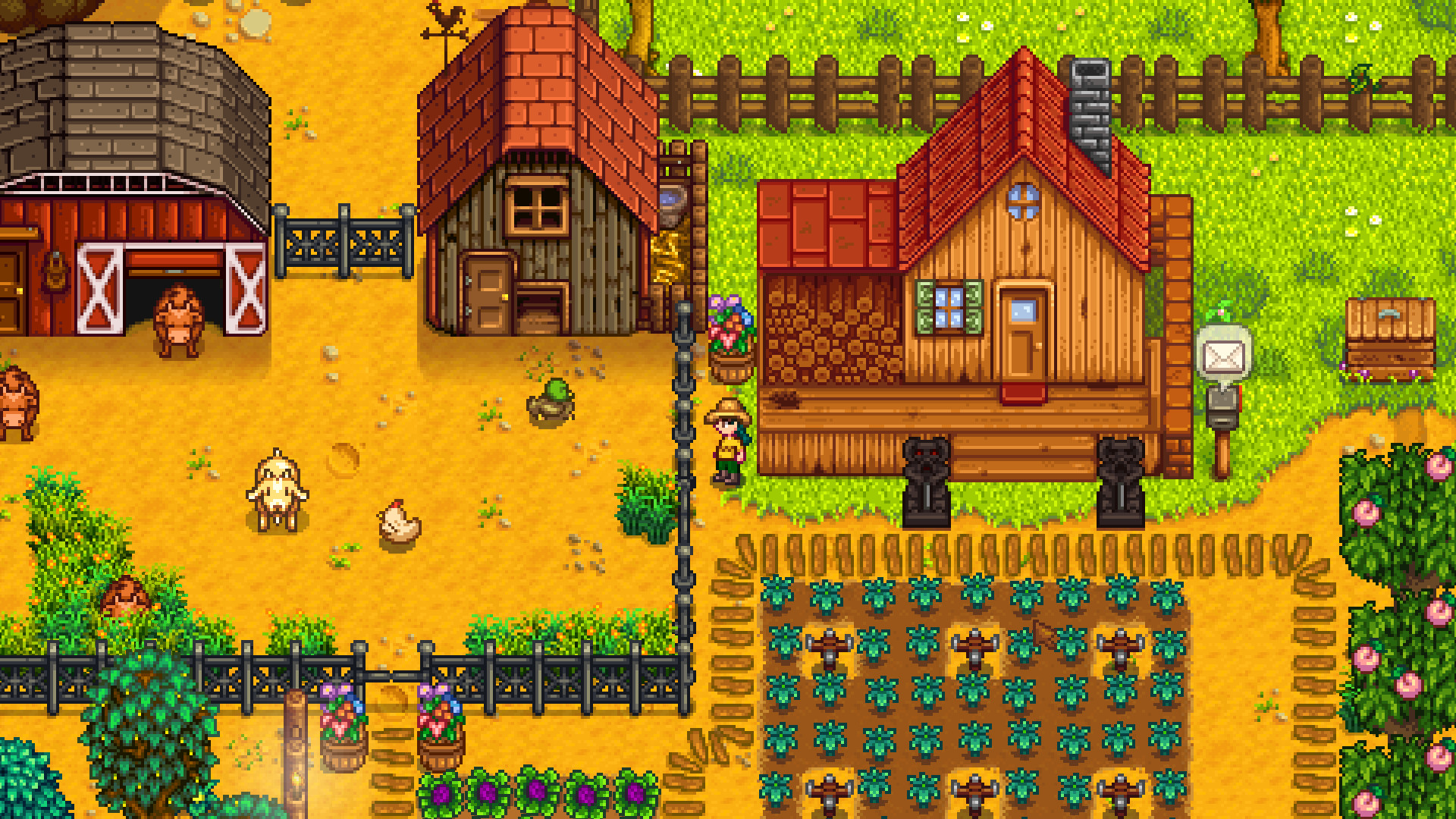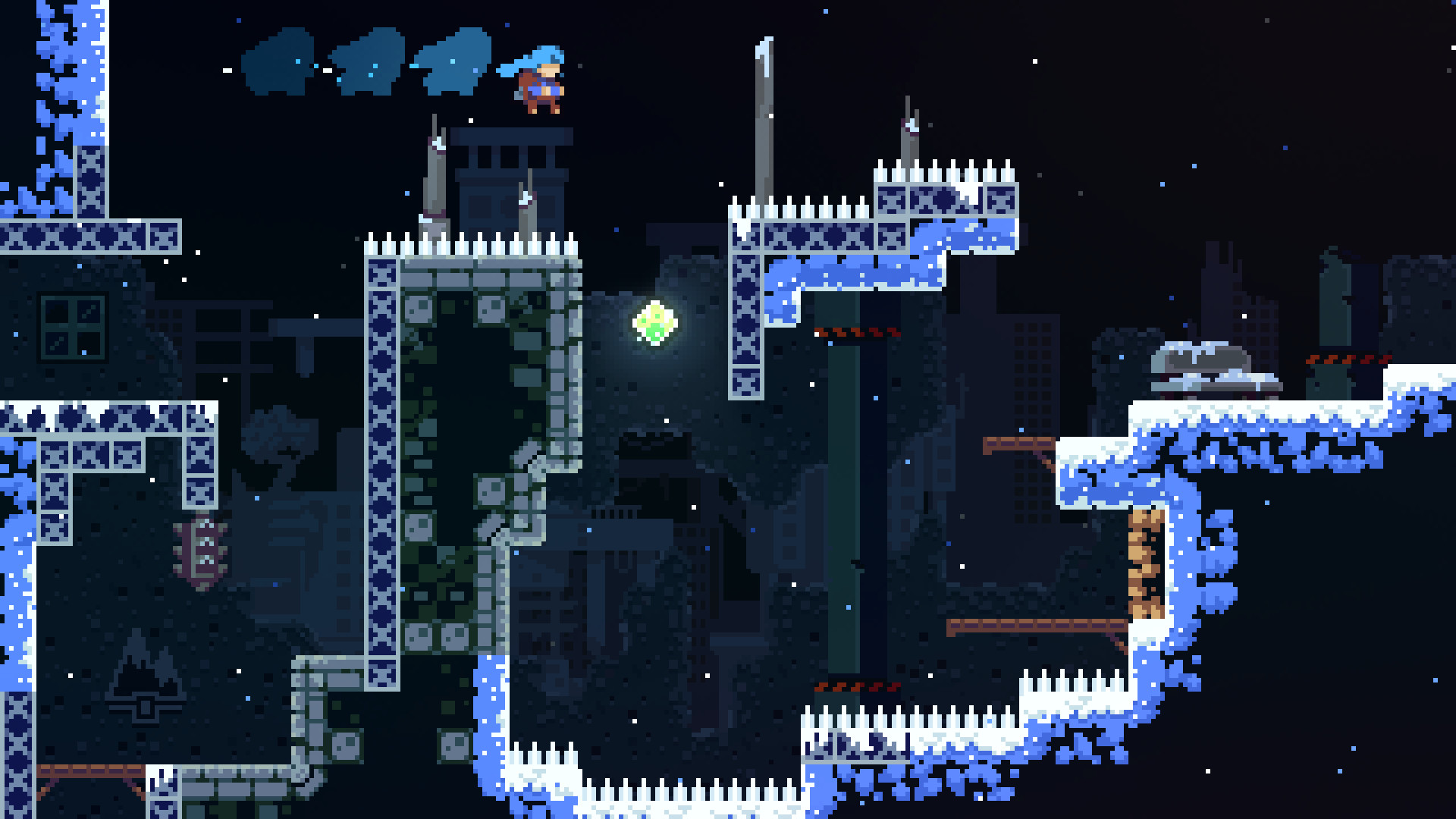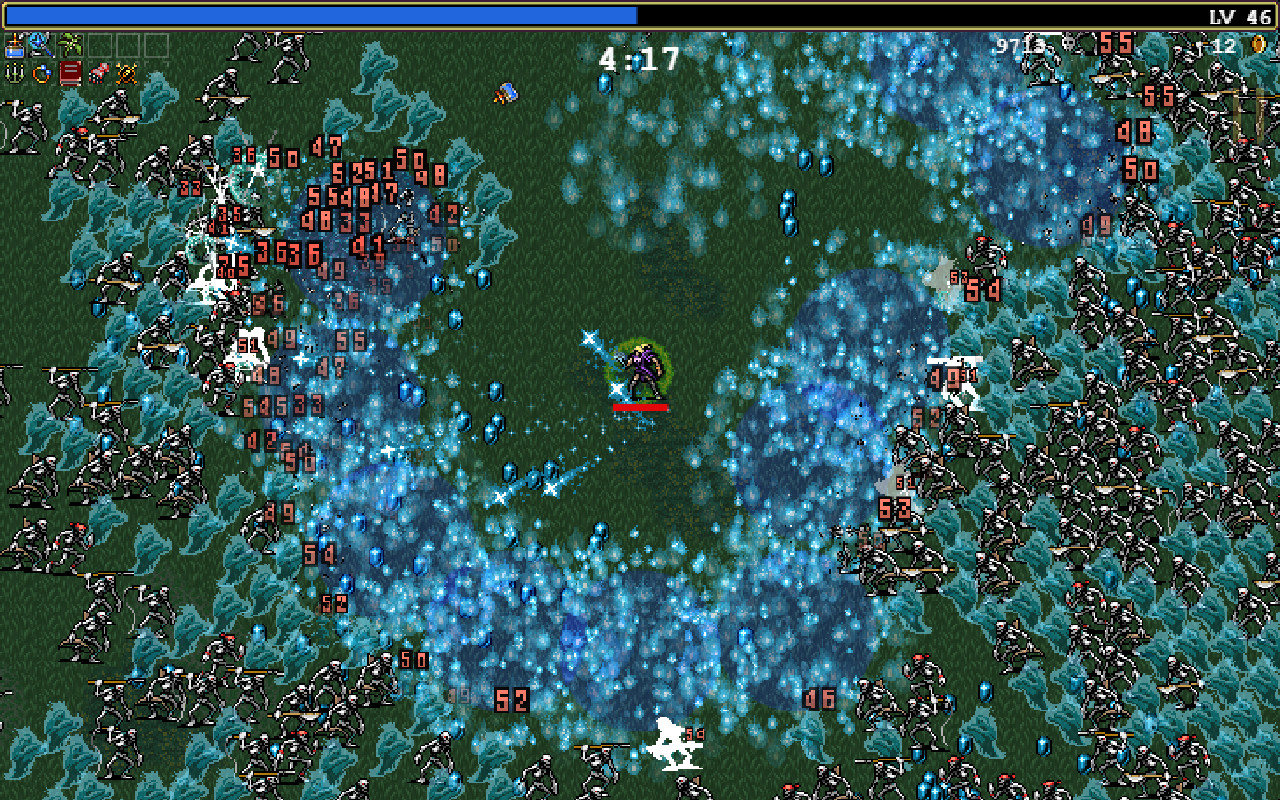
Real motion, not posed frames
Most sprite-sheet generators interpolate between drawn poses. Chatforce generates actual character motion and extracts frames. The cycle reads as motion, not as posed snapshots.
/icon_text_light_svg.svg)
Last updated June 12, 2026
Generate animated sprite sheets with Chatforce’s Artist agent — idle, walk, run, jump, attack, hit, death — or static sheets like 8-direction idle. Your character is brought to life as real motion, then frames are extracted, background-removed, and packed into a clean transparent PNG. Every frame stays on-model via per-character consistency groups. Drop the sheet straight into a browser-playable game.
Subtle breathing, weapon sway, hover. The base state your character returns to between actions, on a clean loop.
Side-on or 8-direction. The locomotion is generated as real motion, frames extract, the cycle loops without a hitch at the seam.
Anticipation, hit-frame, recovery. The kind of frames that make combat feel weighty when the Coder wires the hit window.
Knockback, stagger, death animation. The frames you need so getting hit reads as getting hit.
For top-down games. Eight idle poses against the consistency group, packed and named so the Coder can wire input direction to the right frame.
“Cast a spell.” “Charge.” “Crouch.” Describe the motion in one line; it animates as real motion; the sheet packs it.
Tell the Artist the character — “small orange fox, leather satchel, side-on pixel art.” She locks the look in a consistency group.
Idle, walk, run, jump, attack, hit, death. Pick one — or all of them. Static 8-direction idle is its own option for top-down games.
For animated sheets, your character is brought to life as real motion. Frames are extracted, background-removed, and packed into a transparent-PNG sprite sheet.
The sprite sheet lands in your scene with the right frame count, frame timing, and trigger names. The Coder picks it up — no manual import, no atlas authoring.
Most sprite-sheet generators interpolate between drawn poses. Chatforce generates actual character motion and extracts frames. The cycle reads as motion, not as posed snapshots.
The hero you saw in the first frame is the same hero in every frame of every sheet. Every frame is conditioned on a stored reference, so the hero stays on-model.
Every frame comes back with a clean transparent background. No green-screen masking, no manual alpha cleanup. Just clean PNGs.
Idle/walk/attack loops come from real motion. 8-direction idle comes from still poses. Both share the consistency group, both pack into the same sheet format.
You don’t download a sheet and write an atlas. The Coder picks up the sheet, the frame count, and the timing. Your character animates on play.
Pixel art, hand-drawn, anime, modern flat — any style describable in language. PixelLab and AutoSprite are pixel-first; Chatforce isn’t locked to a style.
| Feature | Chatforce | PixelLab | AutoSprite | Layer AI | Scenario |
|---|---|---|---|---|---|
| Animation source | Real motion + frame extraction | Pose interpolation | Pose interpolation | Animated sprites | Custom-trained models |
| Style range | Any style | Pixel-first | Pixel-first | 2D broad | 2D + some 3D |
| Per-character consistency | Yes — stored groups | Style lock | Style lock | Style locking | Custom-trained models |
| Transparent backgrounds | Automatic | Yes | Yes | Yes | Manual or add-on |
| 8-direction static sheet | Yes | Yes | Yes | Yes | Yes |
| Custom-verb animations | Yes — describe motion | Templates | Templates | Yes | Templates |
| Sheet wires into a playable game | Yes — drops in scene | Download & import | Download & import | Download & import | Download & import |
| Built-in music & sound | Yes — Sound Engineer agent | No | No | No | No |
| Starting price | Free + bonus credits, $20/mo | Free, from $9/mo | Free trial, from $15/mo | Free trial, from $20/mo | Free trial, from $19/mo |
| Best for | Shipping a 2D browser game | Pixel-art sprite sheets to download | Pixel character sheets | Sprite-heavy workflows | Studios with their own engine |
Describe a game in one sentence. Watch your AI team build it — sprites, music, code, and a playable result in your browser.
Build a Game for FreeAnimated sheets start as real character motion, then frames are extracted, background-removed, and packed into a clean transparent-background PNG sprite sheet. Static sheets (idle poses, 8-direction) are generated as still poses against the per-character consistency group, so the character stays on-model. Either way you get a game-ready sheet with clean transparent backgrounds.
Idle, walk, run, jump, attack, hit, death, and custom one-line descriptions. Verbs like “charge,” “dash,” “cast” work too — describe the motion and it animates as real motion.
Yes. Every frame in the sprite sheet comes back with the background removed. You get a clean alpha-channel PNG ready to drop into a 2D game scene.
Every character has a consistency group — a reference image persisted to storage. The motion is conditioned on the group reference, and the static-sheet flow uses the same reference. The character looks like the same character in every frame.
Yes. The static-sheet flow generates 8 idle poses against the consistency group, packs them into a sheet, and drops them in scene with named directions so the Coder can wire the input system to the right frame.
Yes — every new account gets bonus credits, enough to ship at least one fully playable game including art. The paid plan is $20/month.
PixelLab and AutoSprite specialize in 2D pixel-art sheets and are excellent for that lane. Scenario and Layer AI offer animated sprites with custom-trained models. Chatforce generates real character motion (broader style range than pixel-only tools), runs frames through transparent-background processing, and — critically — wires the finished sheet into a browser-playable game alongside the Coder’s scene logic. If you want a sheet to download, PixelLab is great. If you want a sheet inside a working game, use Chatforce.
Yes — the license for generated sprite sheets is held by the user on paid plans. See the Chatpedia license page for the full terms.
Describe a character. Pick the animations. Your character is brought to life as real motion, the frames come back clean and transparent, and the Coder wires the sheet. Your character moves on play.
Build a Game for Free